Skip to content

What’s new

Keep up with the latest chains, features and fixes in Dawn.

Follow @dawndottrade
New feature

NEAR callouts on nearly.trade
Callout posted on, in black on a light grey background, followed by the NEAR logo, with orange sparkles around the words and concentric arcs behind them

Callouts now work on NEAR. Call a nearly.trade coin Bull or Bear, or post a plain take, straight from Dawn, and track how every call plays out without leaving Telegram.

Read the explainerCallouts docs

Post a callout

  1. Open a NEAR coin you hold (at least $1 of it, launched on nearly.trade) and press 📣 Callout on its token panel, or Callout on its portfolio row.
  2. Send your text. It posts as is, with no preview step.
  3. Make it a call. Post it as a Bull or Bear call, which nearly.trade grades and adds to your record on its callers board, or as a plain post, which it does not.

There is no sign-in step: a NEAR callout posts as soon as you send it. The one-time pump.fun sign-in that Solana callouts need does not apply here.

Track your calls

Send /callouts to see every callout you have posted from Dawn, from all your wallets, and how each one is doing. A nearly.trade callout can also be deleted from there.
New feature

pump.fun callouts

Callouts, in black on a light grey background with orange sparkles around the word and concentric arcs behind it

Post why you hold a Solana coin on its pump.fun page straight from Dawn, under your wallet's own pump.fun profile, and track how every call does.

Read the explainerCallouts docs

Post a callout

  1. Open a Solana coin you hold (at least $1 of it) and press 📣 Callout on its token panel, or Callout on its portfolio row.
  2. Send your text. It posts as is, with no preview step.
  3. Sign in to pump.fun with that wallet the first time it posts. After that, callouts post straight away.

Track your calls

Send /callouts to see every call you have posted and how each is doing. Open 💊 pump.fun profile on a wallet's Manage page to edit its pump.fun profile and see its scores: Hit 2x, the share of calls that doubled, and Avg peak, the average best multiple since each call.

New feature

Confluence alerts

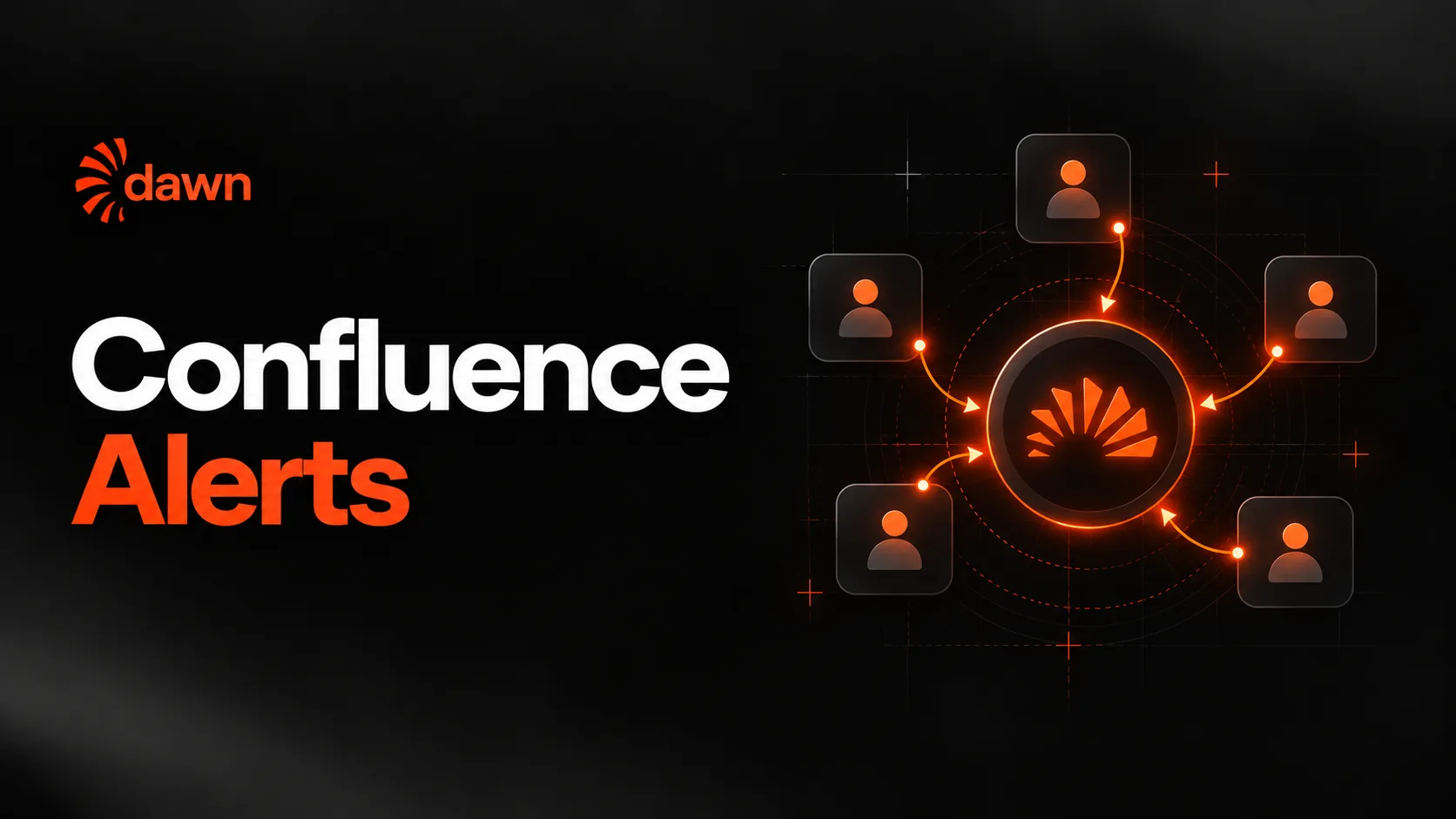
Confluence Alerts on Dawn, with five trader cards pointing arrows into one glowing Dawn coin

Dawn now messages you when several traders buy the same coin within a time frame you set. Pick who counts, how many must buy and how close together, and Dawn watches Solana and every EVM chain for you.

Read the explainerConfluence alerts docs

One trader buying a coin is noise. Several traders buying the same coin within minutes of each other is a signal. A confluence alert watches for exactly that: when enough of the traders you chose buy the same coin close together, Dawn messages you once. It never buys anything for you. To have a trader's buys placed automatically, use copy trading instead.

Three settings, with sensible defaults

With the defaults, 3 different traders must buy the same coin within 10 minutes, and once a coin alerts it stays quiet for 6 hours. Each number can be changed when you set the alert up or any time after.

The three settings on a confluence alert and their defaults
SettingWhat it does
Time frame10 minHow close together the buys must land. A shorter frame means fewer, sharper alerts.
Traders needed3 tradersHow many different traders must buy the coin within that frame. A higher number means fewer, stronger alerts.
Cooldown6hHow long a coin stays quiet after it alerts, so one hot coin does not message you again and again.

Only buys count, never sells. Each trader counts once per coin, however many times they buy it. Buys on Solana and every EVM chain are watched, and a coin's cooldown covers all your alerts, so you get one message per coin, not one per alert.

Choose whose buys count

Each alert watches one of two groups of traders.

Two choices

🏅 Top traders
Everyone on fomo's leaderboards. Follows the boards as they change, so you never need to update it.
✏️ Own list
Only the fomo traders you pick, up to 25 per alert. Nobody else counts.

Where to find it

Press 🔔 Alerts on the bot's home screen or send /alerts, then choose 🎯 Confluence. An alert is on as soon as you finish setting it up and covers all your profiles. The same screen lists every alert you have, where you can turn one on or off, change its numbers, add or remove traders, or delete it. You can run up to 10 confluence alerts at once, each with its own traders and settings. The full reference is in the confluence alerts docs.

New chain

Ethereum and NEAR are now supported

Dawn now Supports Ethereum and NEAR, with the glowing NEAR and Ethereum coins on orange orbit rings

Dawn now trades on nine chains. Ethereum and NEAR join Solana, Base, BNB Chain, Robinhood Chain, Arc, Ink and HyperEVM, and both trade from your one USDC balance.

Read the announcementSupported chains

This release is about reach. Two more places a coin can live, with nothing new to learn: you paste an address, and Dawn works out which chain it is on and pays for the trade from the same USDC balance you already hold.

  • EthereumNew
  • NEARNew
  • Solana
  • Base
  • BNB Chain
  • Robinhood Chain
  • Arc
  • Ink
  • HyperEVM

Paste an address and Dawn finds the chain

You never pick a chain. Paste an Ethereum coin's 0x… contract address into the bot and Dawn detects that the coin is on Ethereum, then shows you the usual buy screen.

You paste0x6982…1933
Dawn detectsEthereum
Paste the Ethereum coin address 0x6982…1933 and Dawn detects that it is on Ethereum.

NEAR addresses look different from the rest. To open a NEAR coin, paste its account: a name ending in .near, or a 64-character ID. Dawn detects that the coin is on NEAR.

You pastetoken.shard.near
Dawn detectsNEAR
Paste the NEAR coin address token.shard.near and Dawn detects that it is on NEAR.

No bridging, one USDC balance

A buy on either chain routes from your USDC balance as a cross-chain trade, the same way Dawn already reaches Base, BNB Chain and the rest. There is no network to switch and nothing to bridge first. Sells land back in that one balance.

Gas is covered. Dawn pays up to $5 of gas per trade on both chains, which covers nearly every trade. If a trade needs more, the extra comes out of your USDC, up to your Gas Surplus limit.

Copy trading on both chains

Copy trading works on Ethereum and NEAR too. Follow a trader as usual and their buys and sells on both chains are copied, with the same sizing, slippage and stop-loss settings you set for the task. Our copy-trading guide walks through the setup.