
Dawn is a Telegram bot for buying and selling Solana tokens. Paste a contract address, tap an amount, and the token lands in a wallet that only you control.
Your trading money is one USDC balance on Solana. Solana buys spend from it directly. Buys on the other chains Dawn supports route through it in the same trade, with the route cost included in the quote.
01 / Get started
Getting started
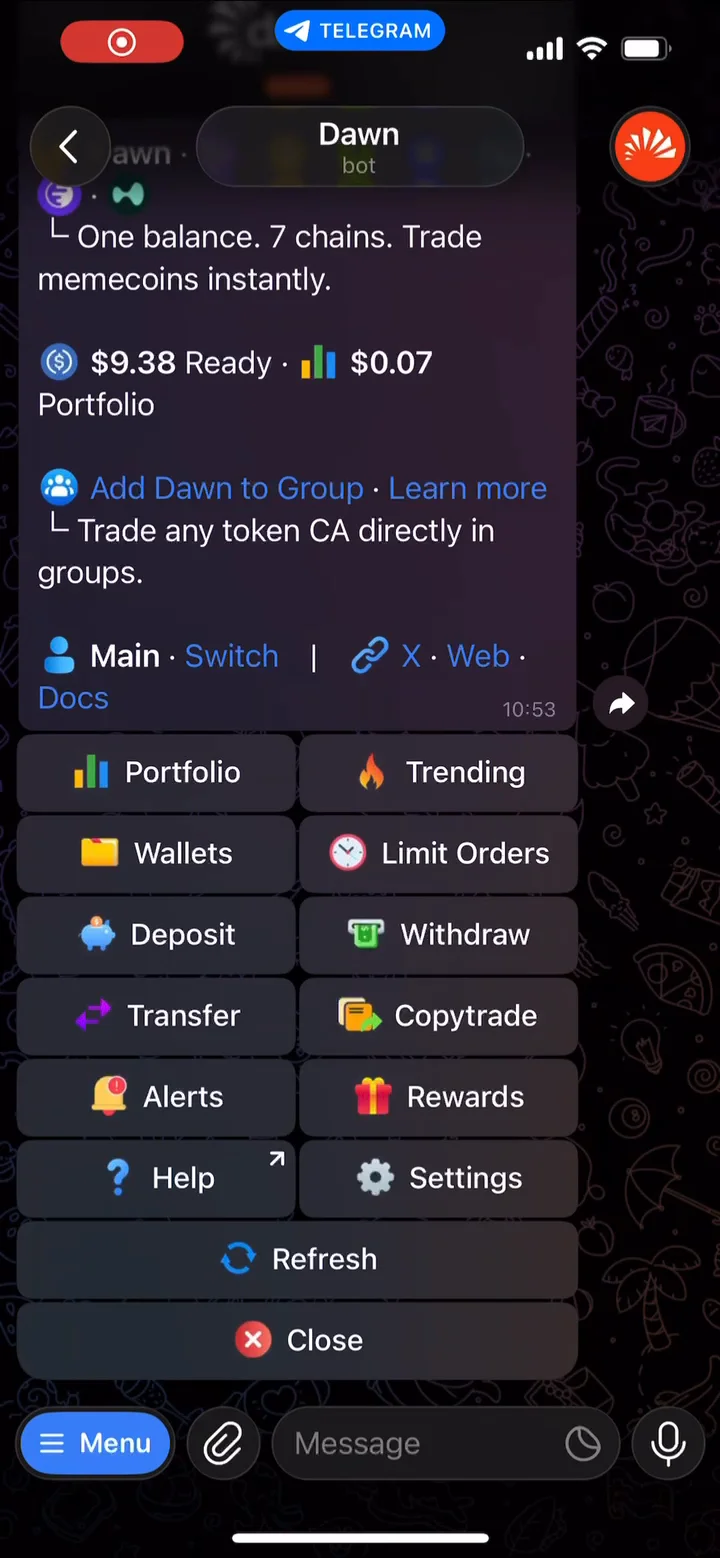
- Open @DawnTradeBot in Telegram and tap
Start. Dawn creates a Solana wallet and an EVM wallet for you. - Tap
Depositand pick the chain and token you are sending from. Only the tokens the panel lists are credited. USDC on Solana arrives as is; other routes are swapped on the way in, with the cost estimated before you send. - Send at least the minimum the panel shows to the address it gives you. Wait for
Deposit receivedbefore trading.
 USDC balanceOne balance, on Solana
02 / Buy and sell
Buying and selling
- Paste the token's contract address into the chat. Dawn replies with its panel: market cap, liquidity, top-ten holder share and your holding.
- Tap a buy amount ($1 minimum). Dawn submits the order immediately. There is no confirmation step unless the coin fails a risk check, the buy would move the price more than 30%, or network fees are unusually high.
- Sell through Portfolio. Send
/portfolio, open the position and switch toSelling. The buttons are percentages of your holding, and100%closes it. Proceeds return to your USDC balance.
Slippage, MEV protection and gas presets are explained in the execution docs. Take-profit, stop-loss, limit orders and DCA are in the orders docs.
03 / Copy trading
Copy trading
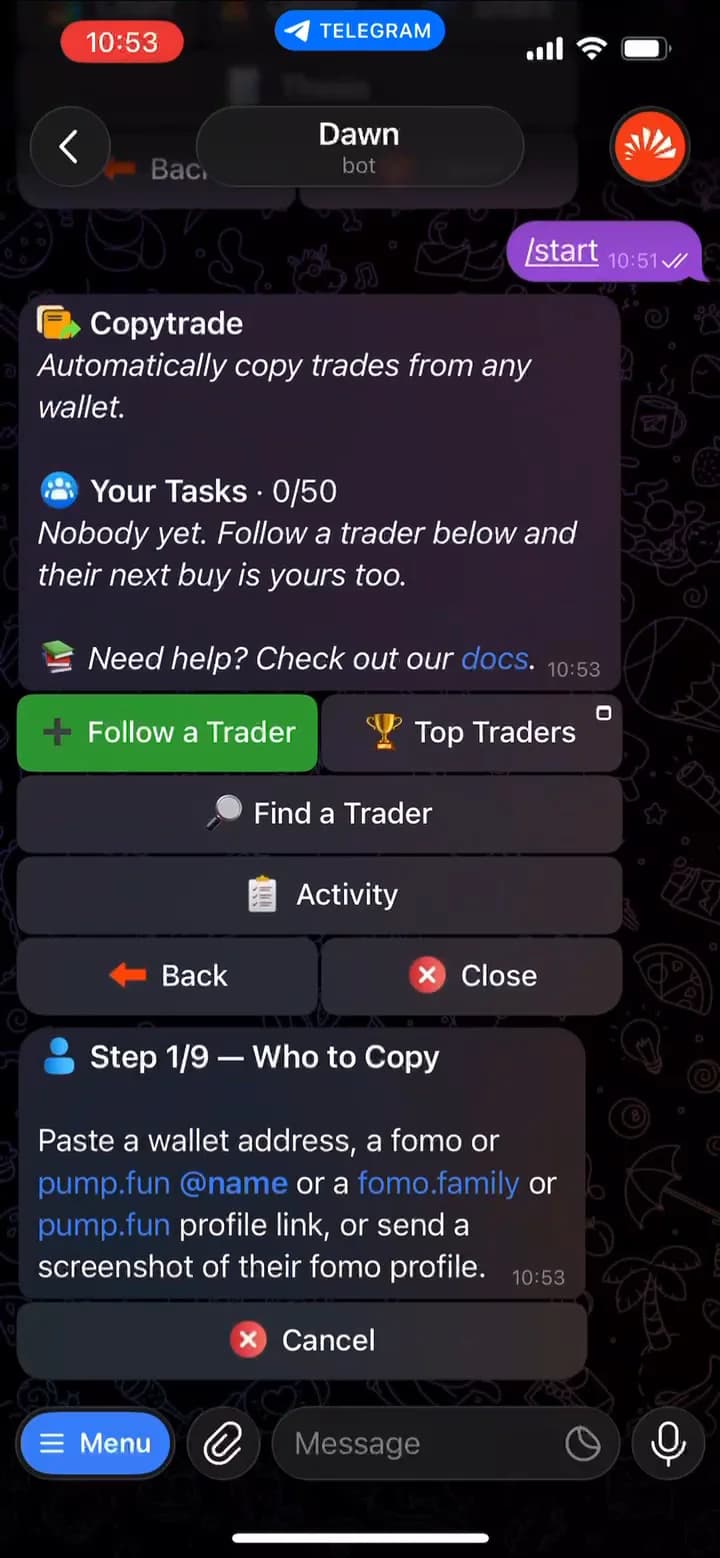
Dawn can repeat another trader's buys from your wallet, at a size you choose. Send /copytrade, tap Follow a Trader, paste a Solana wallet address, a pump.fun profile or a fomo handle, then set the buy size, what to copy, and an optional stop loss and take profit.
Every copy is a trade you did not review, placed after the leader's and at whatever price is available then, so size each task for a run of losing copies.
For a step-by-step guide to every setup screen, with screenshots, read How to Copy Trade Memecoin Wallets Using Dawn.
04 / Wallet and risks
Wallet control and risks
Dawn creates your wallets through Privy, which generates and encrypts the private keys. Export any key from /wallets → Export, and turn on two-factor authentication there to cover sends, withdrawals and exports. The security page has the full model.
- A normal buy has no confirmation step. Check the address, the active wallet and your slippage before you tap. A mistaken tap is a submitted order.
- Risk checks and stop losses are not guarantees. A clean panel means nothing was detected, not that the coin is safe, and a stop loss on an illiquid coin can fill well below its level or not at all.
- Dawn never asks for your private key, seed phrase, login code or 2FA code. Support is reached through
Helpon the bot's home screen or @DawnContactBot. Anyone asking for those details is not Dawn.
05 / FAQ
Frequently asked questions
Quick answers3 questions
Who holds my wallet keys?
/wallets. Sends, withdrawals and key exports need your approval, plus 2FA if you turn it on. Trades are separate: when you tap a buy or create an order or copy task, you are authorising Dawn to place those trades for you.